

Video content is exploding. By 2026, professionals sit through hours of Zoom calls, YouTube tutorials, webinars, and podcast recordings every single week — yet most of that content vanishes the moment it ends. Taking notes manually is slow, error-prone, and simply doesn't scale.
That's where AI video transcription tools come in. Whether you're a content creator repurposing video into blog posts, a researcher extracting insights from interviews, or a marketer turning webinars into lead magnets, a reliable AI video transcription tool is now a core part of the modern workflow.
But not all transcription tools are built equal. Some are accurate but clunky. Others are beautiful but locked behind expensive paywalls. This guide breaks down the 8 best AI video transcription tools in 2026 — objectively ranked, thoroughly compared.
What Is an AI Video Transcription Tool?
An AI video transcription tool automatically converts speech from video or audio files into written text using machine learning and natural language processing. Instead of manually typing out what's said, you upload a file (or paste a URL), and the tool delivers an accurate transcript in seconds.
The best modern tools go further: they don't just transcribe — they summarize, translate , and even visualize content as mind maps. This transforms raw video into structured, searchable, and reusable knowledge — a massive time multiplier for creators, researchers, and teams.
What Makes a Great AI Video Transcription Tool?
Before diving into the rankings, here are the five dimensions that matter most when choosing a tool:
| Criteria | Why It Matters |
|---|---|
| Transcription Accuracy | Errors in the transcript waste editing time and reduce trust in the output |
| Language Support | Global teams and multilingual content require broad language coverage |
| AI-Powered Summaries | Raw transcripts are long — smart summaries unlock the real time savings |
| URL / Link Import | Paste a YouTube link and go — no manual file uploads required |
| Export & Integration | Flexible output formats (TXT, SRT, DOCX) and workflow compatibility |
The 8 Best AI Video Transcription Tools in 2026
🌟 #1 Saveto AI — Best Overall AI Video Transcription Tool
Saveto AI is the most complete AI video transcription solution available in 2026 — and it's 100% free. Trusted by over 2 million creators, it goes far beyond basic transcription to deliver a full content intelligence workflow in a single click.
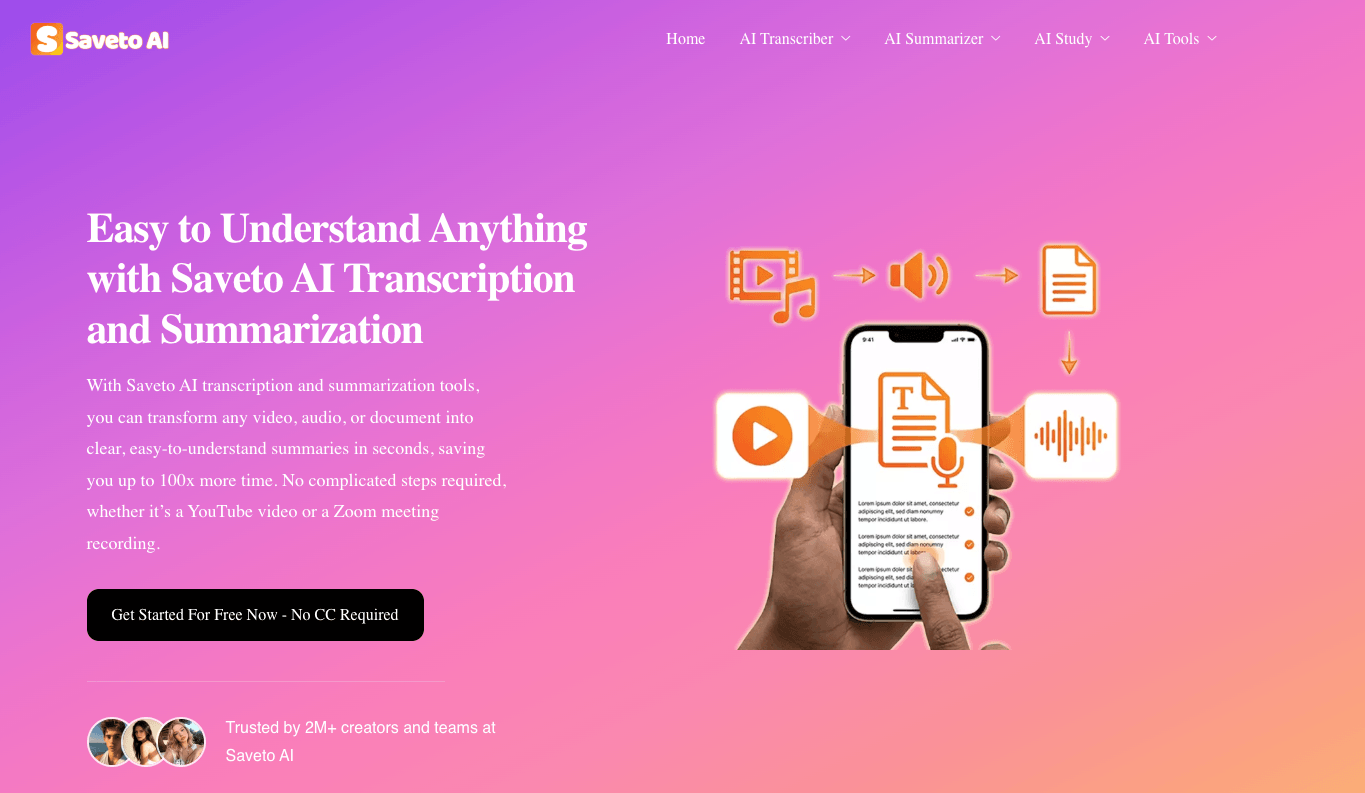
What makes Saveto AI exceptional is that it doesn't stop at converting speech to text. After transcription, it automatically generates an AI-powered summary of the entire video — distilling hours of content into a concise, actionable digest. For visual thinkers and knowledge workers, it also offers one-click mind map generation, transforming complex video content into a structured visual overview that's instantly shareable and navigable.
No sign-up required. No subscription wall. No usage caps.
Key Strengths:
- ✅ 100% free with no login required
- ✅ Supports 200+ languages with 99.9% translation accuracy
- ✅ One-click AI summary generation from video/audio
- ✅ Unique one-click mind map export — no competitor offers this
- ✅ Supports YouTube, Zoom recordings, podcasts, and direct file uploads
- ✅ Real-time audio recording + transcription
- ✅ AI translation, PDF transcription, and image translation included
- ✅ Trusted by 2M+ creators worldwide
Best for: Content creators, researchers, students, marketers, and any professional who wants to extract maximum value from video without spending a penny.
#2 HappyScribe — Best for Professional Subtitling & Captions
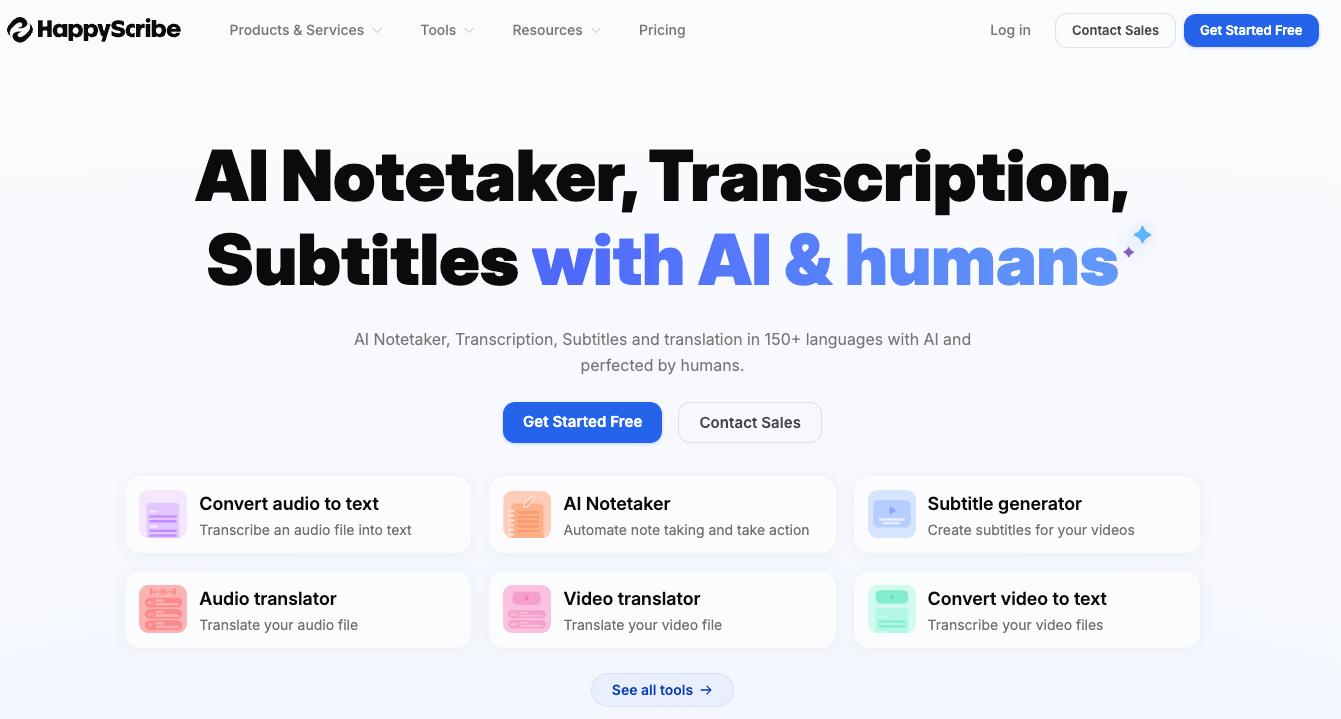
HappyScribe is a polished, professional-grade transcription platform built with media teams and agencies in mind. It delivers high-quality transcripts with excellent speaker identification and timestamps.
Key Strengths:
- ✅ Excellent speaker diarization (distinguishes multiple voices)
- ✅ Clean subtitle export in SRT and VTT formats
- ✅ Human review add-on for maximum accuracy
- ✅ Strong team collaboration features
Best for: Media production companies, journalists, and agencies that need broadcast-quality transcripts with subtitle-ready output.
#3 Canva — Best for Designers Repurposing Video
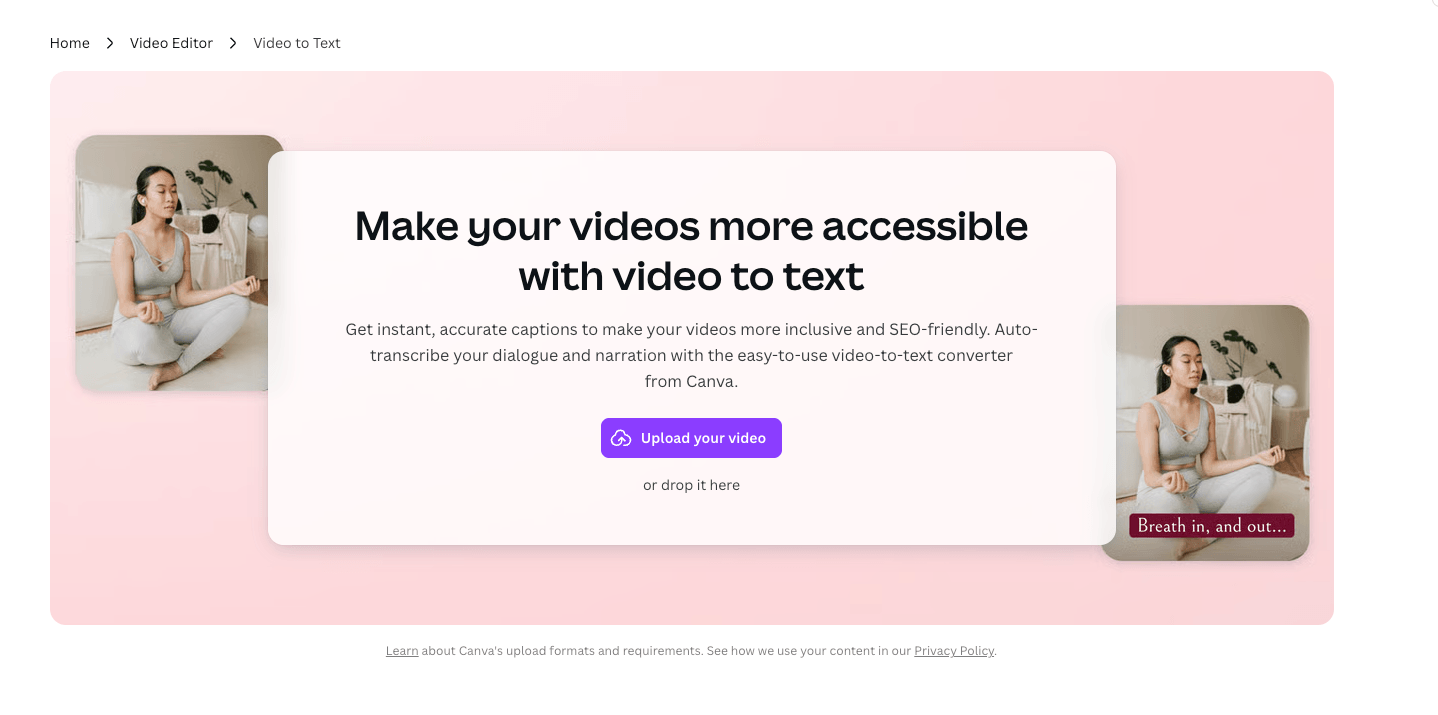
Canva integrates video-to-text transcription directly into its design suite, making it a convenient option for creators who already live inside the Canva ecosystem.
Key Strengths:
- ✅ Seamlessly embedded in the Canva design workflow
- ✅ Auto-generated captions for social media clips
- ✅ Drag-and-drop styling of text overlays
Best for: Social media creators and graphic designers who want transcription without leaving their design tool.
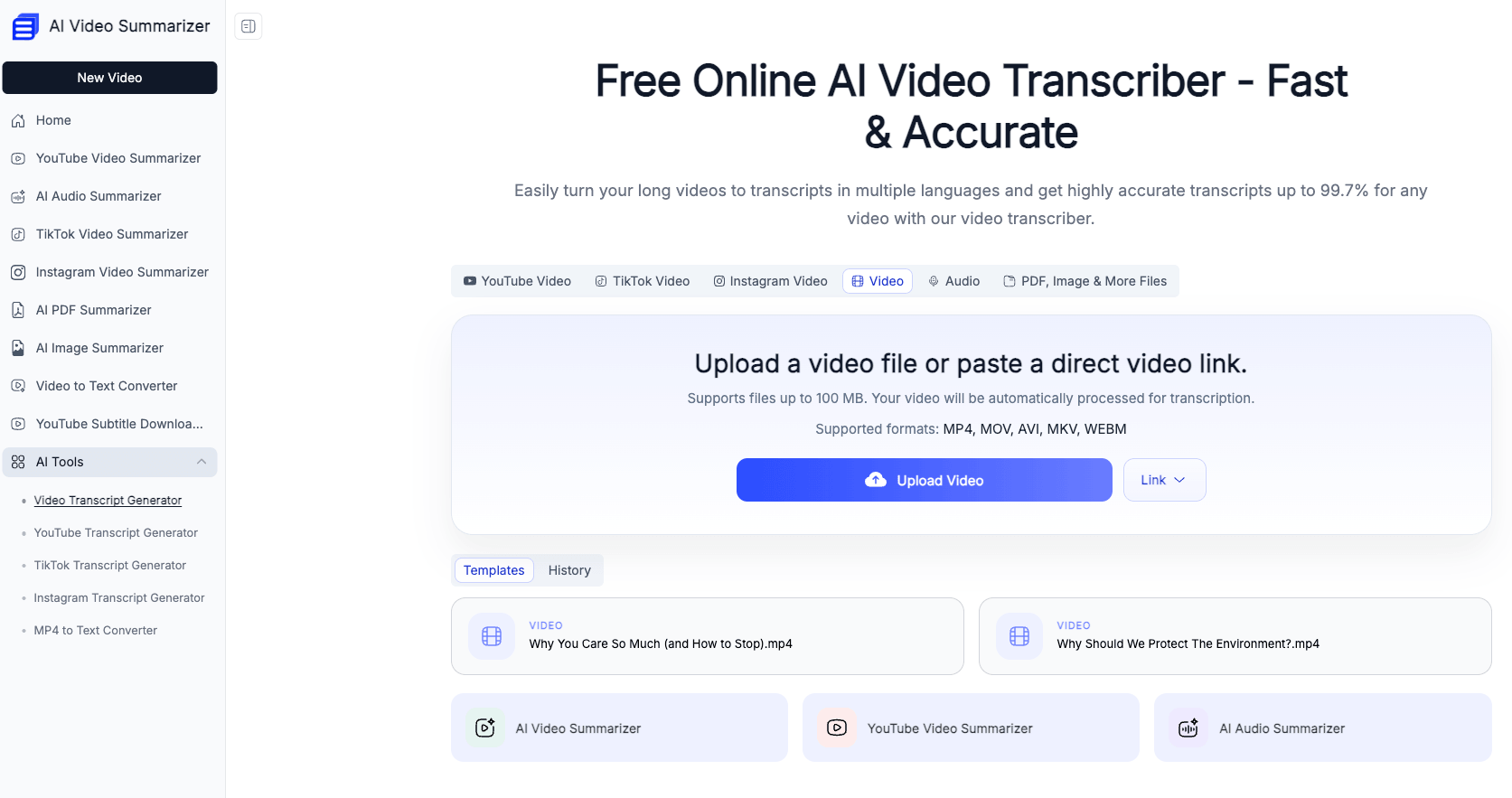
#4 AI Video Summarizer — Best for Simplicity
AI Video Summarizer offers a clean, streamlined video transcription tool—designed specifically for users who prioritize rapid transcription and prefer to avoid unnecessary complexity. It features a minimalist interface and delivers instant results.
Key Strengths:
- ✅ Extremely simple UI — paste URL, get transcript
- ✅ Fast turnaround on short-to-medium videos
- ✅ Supports multiple video platforms
Best for: Casual users and small business owners who need a quick transcript without learning a complex tool.
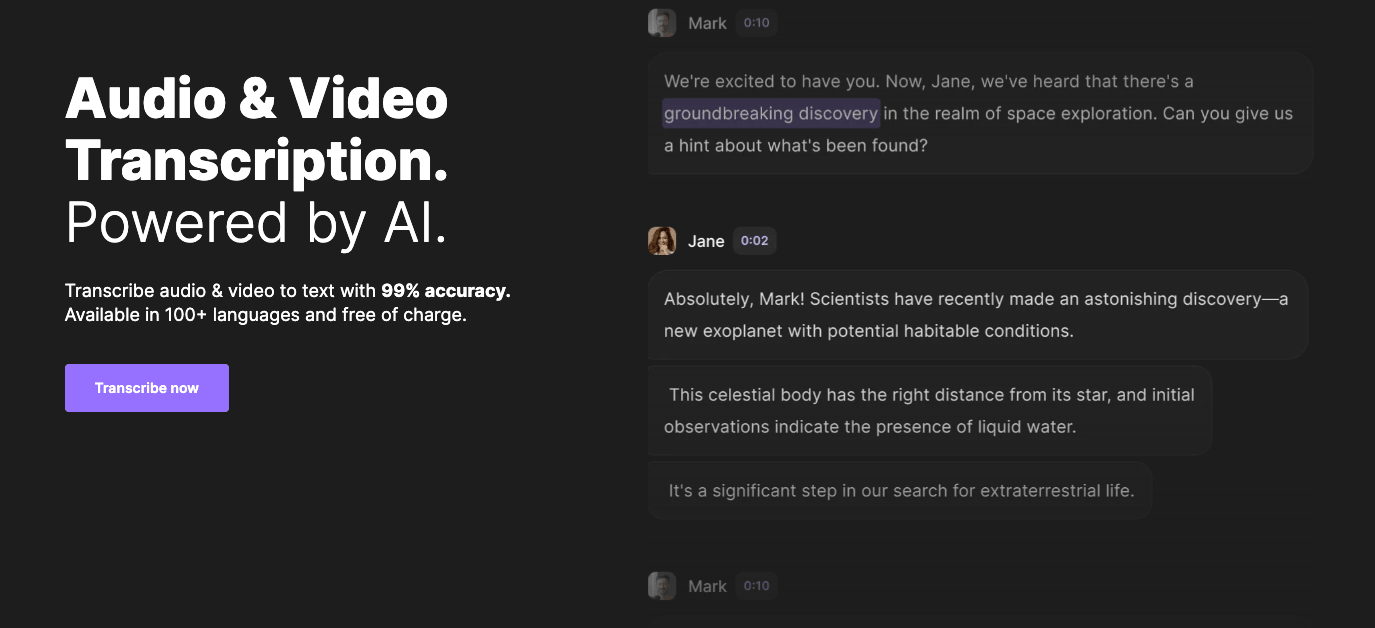
#5 Riverside — Best for Podcast & Interview Transcription
Riverside is a recording-first platform that pairs studio-quality audio/video capture with automatic transcription. If you're recording the content yourself, Riverside handles everything end-to-end.
Key Strengths:
- ✅ Studio-quality local recording synced with transcription
- ✅ Excellent for podcasts, interviews, and remote sessions
- ✅ Text-based video editing powered by the transcript
Best for: Podcasters, interviewers, and content studios who record and transcribe in the same platform.
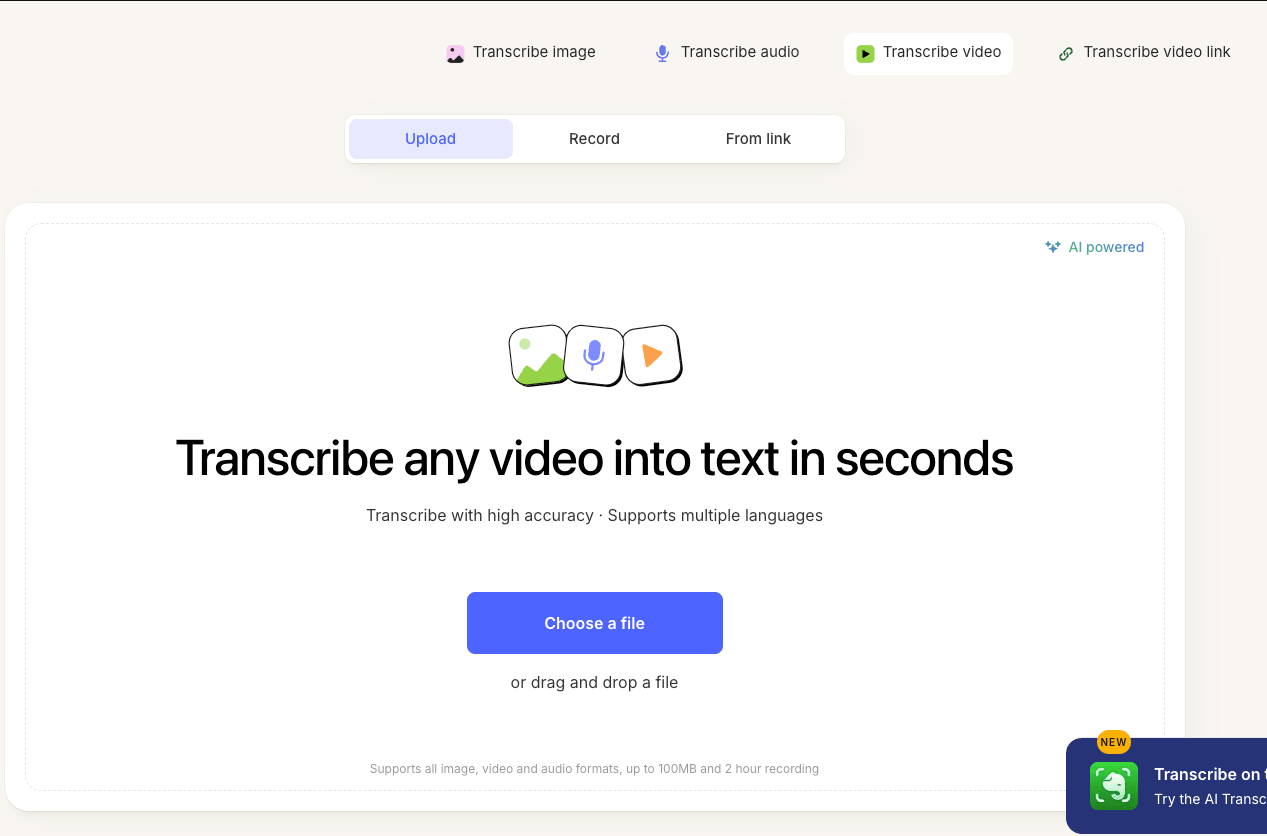
#6 Evernote — Best for Note-Takers Who Want Transcription Built In
Evernote has added AI video transcription to its long-standing note-taking suite, letting users pull transcripts directly into their note library.
Key Strengths:
- ✅ Deep integration with Evernote notebooks and tags
- ✅ Easy to organize transcripts alongside other notes
- ✅ Solid accuracy for meeting recordings
Best for: Evernote power users who want transcription built natively into their note-taking system.
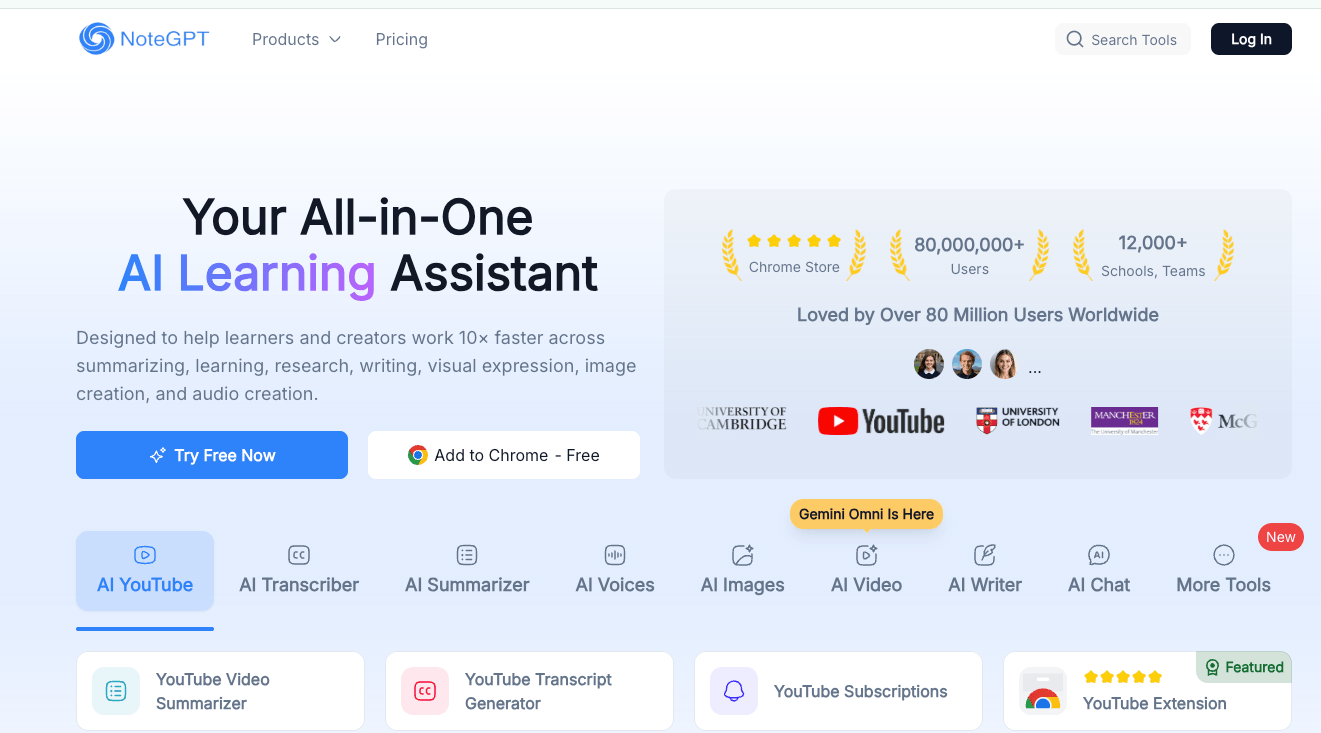
#7 NoteGPT — Best for YouTube Creators
NoteGPT is purpose-built for YouTube content, offering a YouTube transcript generator that pulls captions and generates AI summaries and mind maps from any public video.
Key Strengths:
- ✅ Instant YouTube transcript extraction by URL
- ✅ AI summaries and mind map generation
- ✅ Supports playlist-level transcription
Best for: YouTube creators and researchers who primarily work with YouTube content.
#8 UniScribe — Best for Multilingual Teams
UniScribe focuses on multilingual transcription and translation, making it a solid choice for global teams and international content workflows.
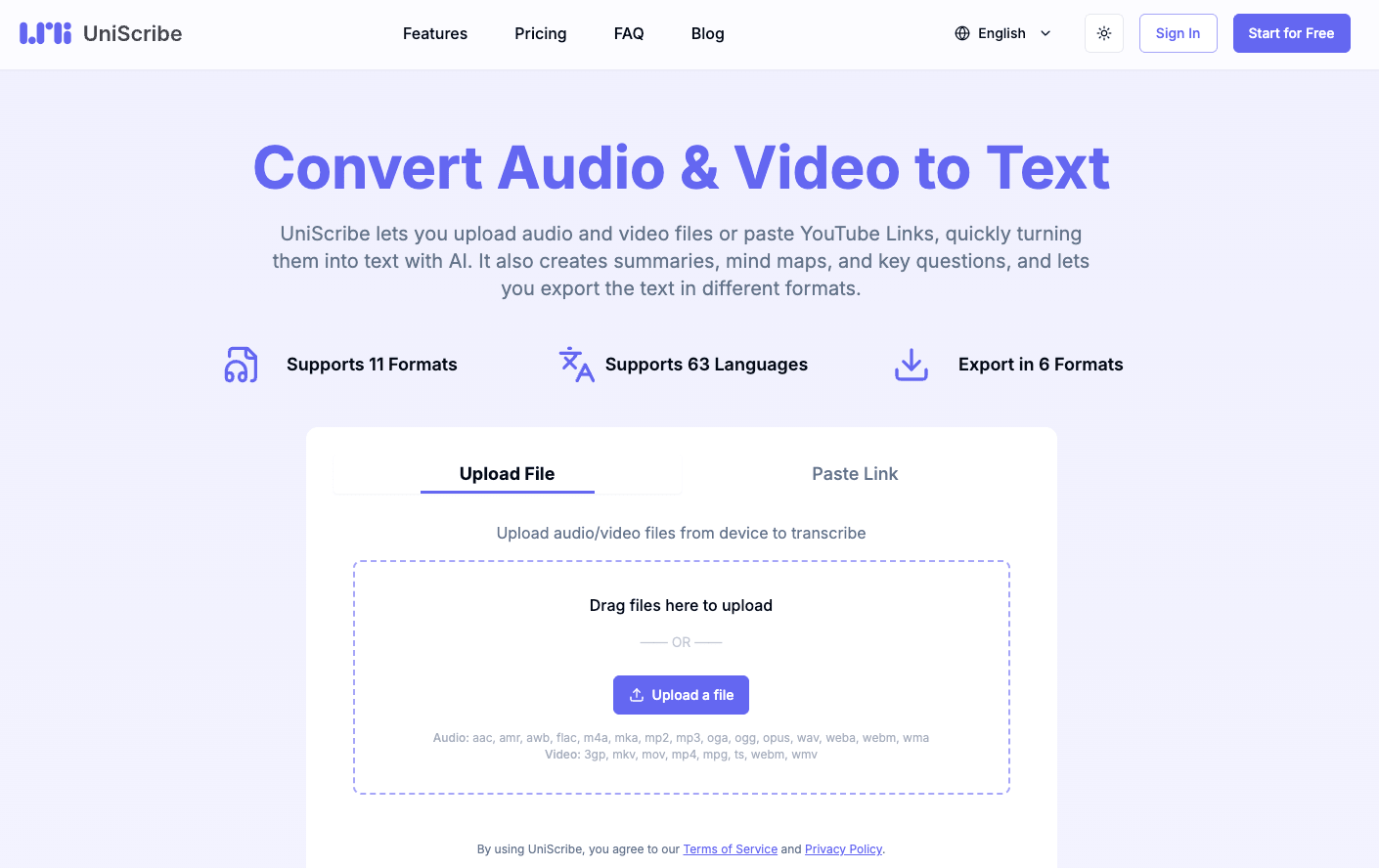
Key Strengths:
- ✅ Strong support for lesser-spoken languages
- ✅ Transcription + translation in one step
- ✅ Clean export options
Best for: International businesses, NGOs, and multilingual content teams working across language barriers.
Product Comparison Table
| Tool | Language Support | Export Formats | AI Summary | URL Import | Mind Map | Best For |
|---|---|---|---|---|---|---|
| Saveto AI | 200+ | TXT, SRT, DOCX | ✅ Yes | ✅ Yes | ✅ Yes | All-in-one, free |
| HappyScribe | 60+ | SRT, VTT, DOCX | ❌ No | ✅ Yes | ❌ No | Subtitling & agencies |
| Canva | 25+ | MP4 (captions) | ❌ No | ✅ Limited | ❌ No | Designers |
| Video Transcriber AI | 30+ | TXT | ❌ No | ✅ Yes | ❌ No | Simple use |
| Riverside | 40+ | TXT, SRT | ✅ Partial | ❌ No | ❌ No | Podcasters |
| Evernote | 20+ | Note format | ❌ No | ✅ Limited | ❌ No | Note-takers |
| NoteGPT | 50+ | TXT, MD | ✅ Yes | ✅ Yes | ✅ Yes | YouTube creators |
| UniScribe | 100+ | TXT, SRT | ❌ No | ✅ Yes | ❌ No | Multilingual teams |
How Power Users Actually Use These Tools
The real productivity gains come not from transcription alone, but from how these tools fit into a broader AI workflow.
Content Marketers paste a YouTube URL into Saveto AI, get an instant summary, then feed the structured transcript into ChatGPT to generate a blog post, social captions, and email newsletter — all from one video in under 15 minutes.
Researchers and Academics use Saveto AI to transcribe recorded interviews or lecture recordings, then use the mind map export to visually map themes and relationships before writing up their analysis.
Podcast Producers record in Riverside for audio quality, then export to Saveto AI to generate summaries and show notes, dramatically cutting post-production time.
Educators transcribe their own recorded lessons, use AI summaries to generate student handouts, and leverage mind maps to create visual study guides — a complete content repurposing pipeline from a single recording.
The pattern is consistent: transcription is the input, but AI summarization and visual structuring are what unlock real efficiency at scale.
FAQ
Q: What is the best free AI video transcription tool in 2026?
A: Saveto AI is the top free option — it supports 200+ languages, requires no login, has no usage limits, and uniquely offers one-click AI summaries and mind map generation.
Q: Can AI video transcription tools handle multiple speakers?
A: Yes, most tools support speaker diarization. HappyScribe and Riverside are especially strong in this area for professional use cases.
Q: Do these tools work with YouTube videos?
A: Most tools accept YouTube URLs directly. Saveto AI, NoteGPT, and Video Transcriber AI all support paste-and-go YouTube transcription without downloading the video first.
Q: How accurate are AI video transcription tools?
A: Modern AI transcription typically achieves 95%+ accuracy for clear audio in major languages. Saveto AI claims 99.9% accuracy for translation across its 200+ supported languages.
Q: What's the difference between transcription and AI summarization?
A: Transcription converts speech to text verbatim. AI summarization reads the transcript and distills it into key points and insights. Tools like Saveto AI offer both — giving you the full record and the quick digest simultaneously.
Conclusion: Which AI Video Transcription Tool Should You Choose?
If you need one tool that does it all — accurately, instantly, and for free — Saveto AI is the clear winner in 2026. While competitors excel in specific niches (HappyScribe for subtitling, Riverside for recording, NoteGPT for YouTube), none of them match Saveto AI's combination of breadth, depth, and zero cost.
The one-click mind map feature alone sets it apart from every other tool on this list. For anyone serious about turning video content into structured knowledge — whether you're a creator, researcher, marketer, or educator — there's no better starting point.
👉 Try Saveto AI for free today → No sign-up. No credit card. Just results.